What is a Verified Account?
A Verified Account is a free account you can set up with Zonos. You'll get free access to tools to help you calculate U.S. duties and get HTS codes, but the main purpose of the Verified Account is to allow to you continue shipping to the U.S. via the post.
What you get
How it works
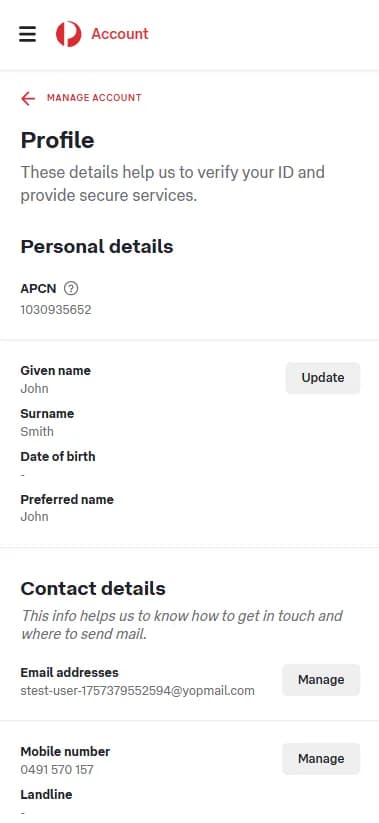
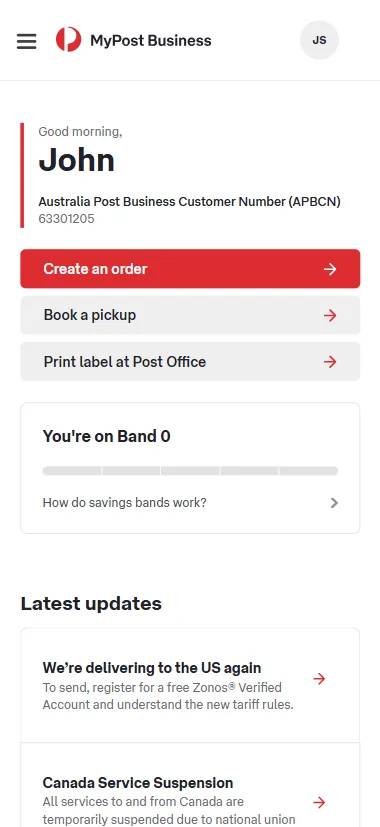
- When you create your Zonos Verified Account, you'll select what kind of Australia Post shipper number you have (MLID, APCN,or APBCN) and enter it.
- Zonos will use that number to link your Verified Account to your business account with AusPost.
- Then, when you send shipments valued at $2,500 USD or less to the U.S. via AusPost, Zonos will bill you for the associated duty and postal clearance fees.
How much does it cost?
There are no subscription costs.
There is a postal clearance fee charged per shipment, which varies by post. You can view yours during the sign-up process (after creating the account, you can view it in your Dashboard's Billing Settings, under Plan.)
While Zonos offers other subscription-based ecommerce solutions, you do not need them. All you need is your free Verified Account.
What you need to do to ship postal to the U.S.
| Step 1 (one-time setup)
Create a free Zonos Verified Account
- Follow your referral link from AusPost's email, or click "Sign up today" below.
- Create your account. Sign up with your Google or Microsoft account (or enter your information manually), enter your business information and click "Continue to Dashboard Lite." At this point, you have an account, but it isn't verified until you complete the next step.
- Add a payment method and your Australia Post shipper number (MLID, APCN, or APBCN) to turn your account into a Verified Account. View the FAQs below if you're unsure where to find these.
- If you have multiple shipper numbers, you need to follow these steps to create a Verified Account for each one.
After successfully completing these steps, congrats! You now have a Zonos Verified Account. This account enables AusPost to accept your U.S.-bound packages, knowing that the requirement for duty payment will be fulfilled. Zonos will bill you for the duties and postal clearances fees on each shipment tied to your Verified Account.
| Step 2 (optional)
Use free Zonos tools to calculate duty costs
So you can add them to your shipping/product prices
If you aren’t already including duty costs at checkout, Zonos' free tools can help you calculate them. After you’ve calculated the duties and fees, you can adjust product prices or shipping prices so shoppers pay the duties upfront.
This way, when you’re billed for the duty costs associated with your U.S. shipments, you’ll have already collected it and have it ready to pay.
Your Verified Account does not integrate with your ecommerce website to collect duties from your shoppers at checkout. It's only purpose is to allow you to continue shipping to the U.S., as a means to pay U.S. duties when required.
| Step 3
Ship your packages to the U.S.
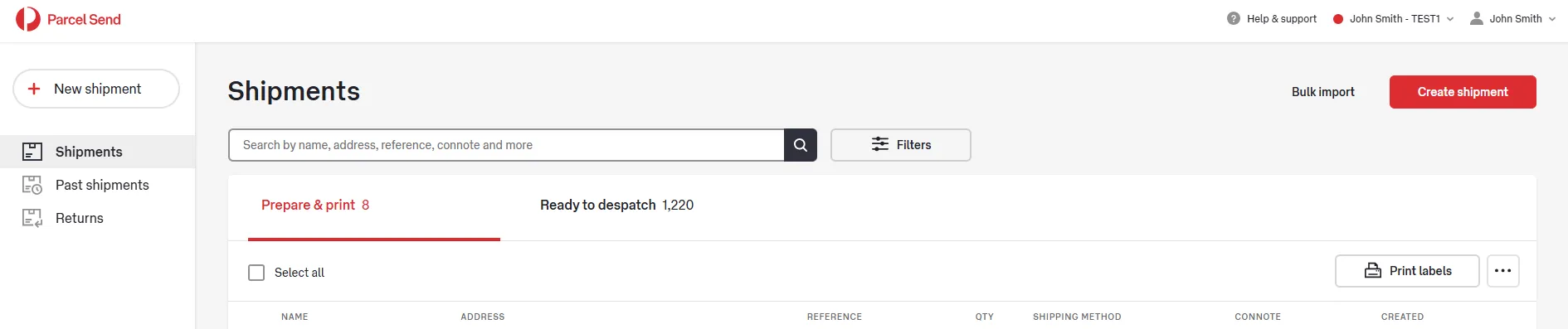
Ship your packages as you normally do (and from the same systems that you normally ship from). Australia Post will send shipment data to Zonos for all shipments processed using your business account.
Once the shipment arrives, you don’t have to worry about your U.S. customer refusing delivery because of extra duty costs being due—with this method, they won’t be asked to pay anything more during delivery.
| Step 4
Pay U.S. duties
Zonos will bill you daily for the duty (and associated postal clearance fees) on shipments associated with your Zonos Verified Account (this means any shipments valued $2,500 USD or less sent to the U.S. via Australia Post). Zonos bills you within 24 hours of getting the shipment data from Australia Post (note that this can be several days after you ship). You can view these invoices in your Dashboard.
Zonos is the trusted leader in cross-border technology.
For more than 16 years, we’ve been powering international commerce by classifying products with HS codes and calculating duties and taxes with accuracy and reliability. Today, our technology supports some of the world’s largest brands, logistics providers, and thousands of ecommerce businesses.
Our mission has always been to increase trust in cross-border trade by making cross-border simple, transparent, and compliant. From APIs that integrate directly with custom setups to checkout experiences that make duty and tax collection easy for anyone, Zonos ensures international customers have good delivery experiences, building your brand in the process.
Keep shipping to the U.S. with Australia Post + Zonos
As of August 29, 2025, a U.S. executive order requires duties to be paid on all shipments before clearing into the U.S. As of July 24, 2026, the duty prepayment threshold for postal shipments has risen from $800 to $2,500 USD. If you’re shipping parcels valued at $2,500 USD or less from Australia to the United States using Australia Post, you must prepay duties before your parcel crosses the border. Australia Post has partnered with Zonos to offer Zonos Verified Accounts to Australian businesses as a way to pay U.S. duties on postal shipments—so you can continue shipping postal to the U.S.
Start today